Chapter 5. Views & Controllers Second Part
What are the views?
Views are one of the most important and repetitive elements in Laravel. Here, HTML content and blade instructions will be.
Inside of the directory called resources/views we will be able to create our own views, and you will find the welcome-view that comes by default
Building a view
The principles to build a view can be put into practice in routes/web.php
This is the main file of our application paths. Here we will define where will be our routes and which HTTP method we will use in each one.
Let's see an example of this. Here we defined a path for root, generally the root path is the welcome page or the home page of our application. So, when we start the server, the first thing that we will see is "Hello world":
//in web.php
Route::get('/', function() {
	return "Hello World";
});
Result:
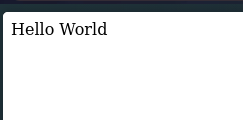
In this case the example is using a GET method, and it returned a Hello World.
Building a view using controllers
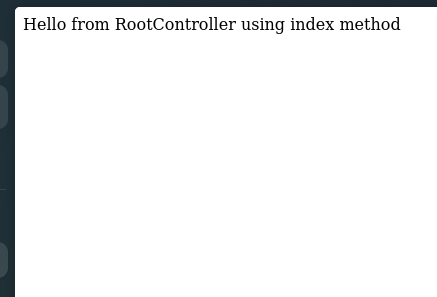
Also, when we build controllers, is important to understand that probably we use those controllers to manage data and show that data in a view. So, we are going to see the steps to follow to show a Hello world message. In this case we are going to use only index method.
- We build the controller
php artisan make:controller RootController
- We define the index method in the controller
<?php

namespace App\Http\Controllers;

use Illuminate\Http\Request;

class RootController extends Controller
{
    //
    public function __invoke()
    {
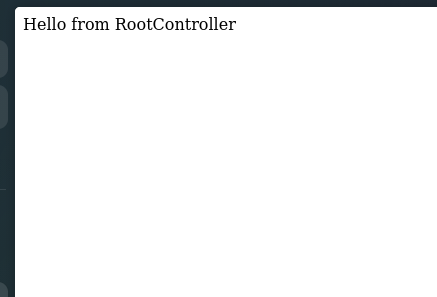
        return "Hello from RootController";
    }

    public function index()
    {
        return "Hello from RootController using index method";
    }
}
- We put it into
web.php
Route::get('/', [RootController::class, "index"]);
Result:
What is __invoke() method?
This method practically is a kind of index method that saves us time. We do not need to write an index method, so we directly can use it as a kind of index:
<?php

namespace App\Http\Controllers;

use Illuminate\Http\Request;

class RootController extends Controller
{
    // We just let __invoke method
    public function __invoke()
    {
        return "Hello from RootController";
    }

    // We delete index from here ...
}
- Now we call it in
web.php(Note that in this case we delete the[]that are around of the call of the controller):
Route::get('/', RootController::class);
Result:
Returned Views
Now, we are going to call views instead of just putting into "" the word that we want to see. First we will go to resources/views inside of our project in the code editor of our preference and we are going to create a view, in this case is called test-view.blade.php and you can write something into the file:
<!DOCTYPE html>
<html lang="en">
<head>
    <meta charset="UTF-8">
    <meta name="viewport" content="width=device-width, initial-scale=1.0">
    <meta http-equiv="X-UA-Compatible" content="ie=edge">
    <title>Document</title>
</head>
<body>
    <style>
        h1 {
            font-weight: 900;
            font-family: Arial, Helvetica, sans-serif;
            color:red;
        }
    </style>
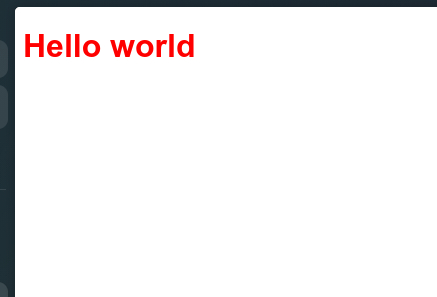
    <h1>Hello world</h1>
</body>
</html>
Now, inside of web.php we can make a function that returns this:
Route::get('/', function () {
    return view('test-view');
});
The result will be the next:
Using a controller is the same process, we only have to change function(){} by ControllerName::class and modify our controller (in this example called RootController):
<?php
namespace App\Http\Controllers;

use Illuminate\Http\Request;

class RootController extends Controller
{
    //
    public function __invoke()
    {
        return view('test-view');
    }
}
Route::get('/', RootController::class);
If you are using an specific method in your controller, you only have to specify the method and put both into []. It is something like this:
Route::get('/', ControllerName::class); // ❌
Route::get('/', [ControllerName::class, 'methodToShowView']); // ✅
Parameters in views
There are some ways to do that, one is passing by an array this parameters, the second one is using the function compact() or methods like with(). Let's see what to do in each one.
Before to start
Each parameter is passed by the path from a GET route, So, before passing to explain how to treat a parameter in the controller or the method from the route, we have to see how to get that parameter from the route. Let's see an example to understand.
// first, we pass the "name" parameter through the path, then it will be passing through the method in the Controller...
Route::get('/{name}', [RootController::class, 'show']);

// Or in the method from the own route
Route::get('/{name}', function ($name) {
    return view('test', compact('name'));
});
Here we can see that we passed the parameter using compact(), but now we have to understand the different ways to pass a parameter to a blade view.
Using only view()
To add parameters in a method, as into a Controller as using the function in web.php, we will define it in the same way that we do with a common method
public function show($param) { // here we pass the parameters
	return view...
}

Route::get('/{name}', function ($param) {
	return view...
});
Once we did that, we will be able to pass those parameters through the view using an array, as you can see in the sample below.
public function show($param) {
	return view('home-view', ["articleName"=>$param]);
}

public function show($articles) {
	// '$articles' is ["a1", "a2", "a3"]
	return view('list-view', ["articlesList"=>$articles])
}
Using with()
public function show($param) {
	return view('configuration')->with('articleName', $param);
}

public function show($hereIsAList) {
	// Or if  you  want  to pass an array or a list
	return view('configuration')->with('articleList', $hereIsAList);
}

// Also you can pass many parameters using multiple with's
public function show($param) {
	return view('configuration')->with('articleName', $param)
		->with('author', "Joe");
}
Using compact
This is one of the most common ways to pass parameters through a view. compact only receive the parameter name in a String and the function knows there is a parameter with that name in your method, and it pass directly to the view.
public function home($param) {
	return view('home.index', compact('param'));
	// This could be interpretated like:
	// return view('home.index', ['param' => $param]);
}
Views using Post method
At this point, we only will work using controllers instead of using the own route function:
// We will no longer use this form ❌
Route::get('/', function() {
	//...
});

// Now, we are going to use this ✅
Route::get('/', [RootController, 'create']);
Creating the controller
Now we are going to work with POST methods to make this kind of HTTP requests. To achieve that, first we need to create the Controller in charge of show the view and send requests. For this example, I will named that controller as "UserController":
php artisan make:controller UserController
In the controller:
<?php

namespace App\Http\Controllers;

use Illuminate\Http\Request;

class UserController extends Controller
{
    //
    public function __invoke()
    {
        return view('form');
    }

    public function store(Request $request) {
        $name = $request->name;
        return "User registered $name";
    }
}
In web.php we are going to create 2 endpoints, one will be GET type, and the other will be POST type:
<?php

use App\Http\Controllers\UserController;
use Illuminate\Support\Facades\Route;

Route::get('/', function () {
    return "hello world";
});

Route::get('/create-account', UserController::class);
Route::post('/add-account', [UserController::class, 'store']);
In the view form:
<!DOCTYPE html>
<html lang="en">
<head>
    <meta charset="UTF-8">
    <meta name="viewport" content="width=device-width, initial-scale=1.0">
    <meta http-equiv="X-UA-Compatible" content="ie=edge">
    <title>Init Session</title>
</head>
<body>
    <form action="/add-account" method="POST">
        @csrf
        <input type="text" name="name" id="name">
        <input type="submit" value="Send">
    </form>
</body>
</html>
Here we can see a blade directive called @csrf, this directive creates a unique token in the form each time that page refresh to make secure data sent. This prevents security failures like to take another "rol" changing or adding fields in the form
Result of this code:
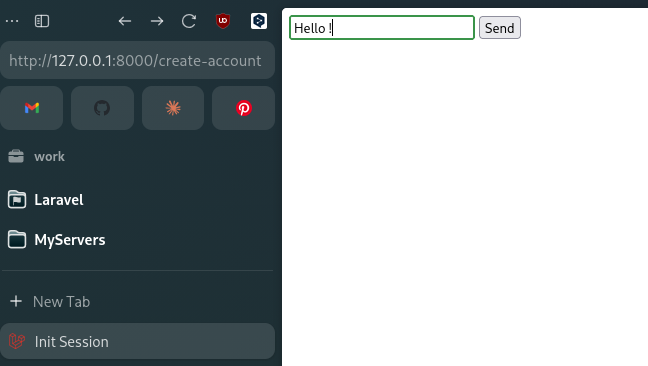
- First we will see something like this:
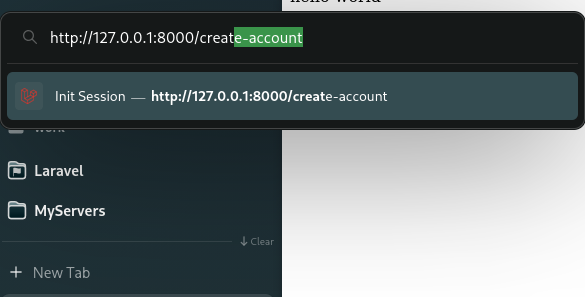
- We will put in the URL the path to send data through the form:
We can use <a href=""></a> going to the form route in a easier way, in this case see these HTML tags is not our goal, so we will omit that.
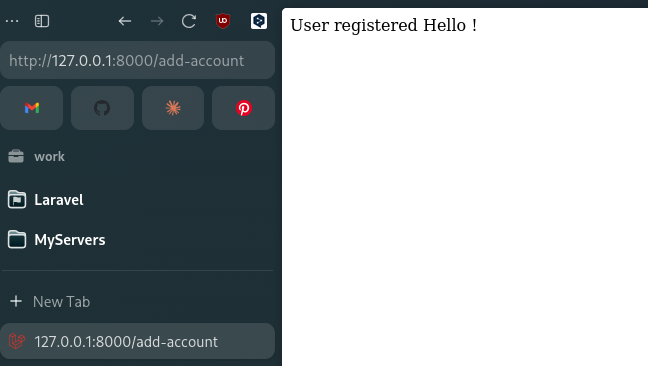
- We can send data and see the result